Build structured processes that connect AI, systems, and operations
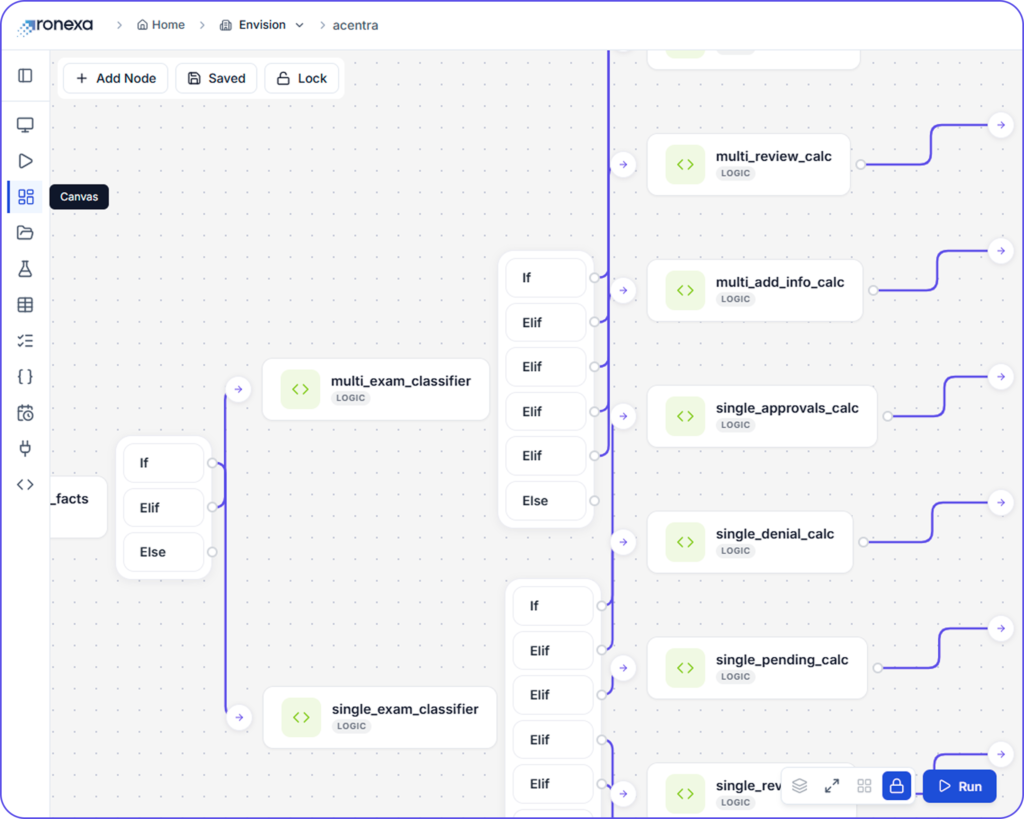
Ronexa Workflow Builder allows teams to design, automate, and manage workflows in a single visual environment.
Instead of relying on scattered scripts or manual processes, you can create structured, repeatable workflows that scale with your operations.
Core Capabilities
Visual Workflow Design
Build workflows using a clear, intuitive interface Create, edit, and organize processes without complexity
Automation & Logic Control
Define how workflows behave Set triggers, conditions, and actions to automate decision-making
System & AI Integration
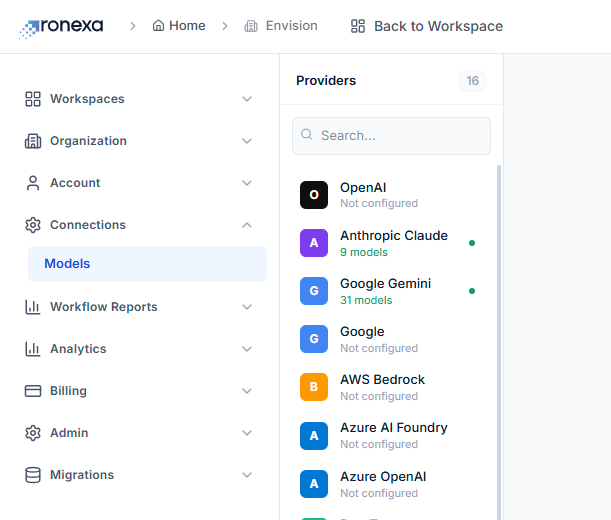
Connect everything in one flow Link AI models, APIs, and business tools seamlessly
Build With Modular Nodes
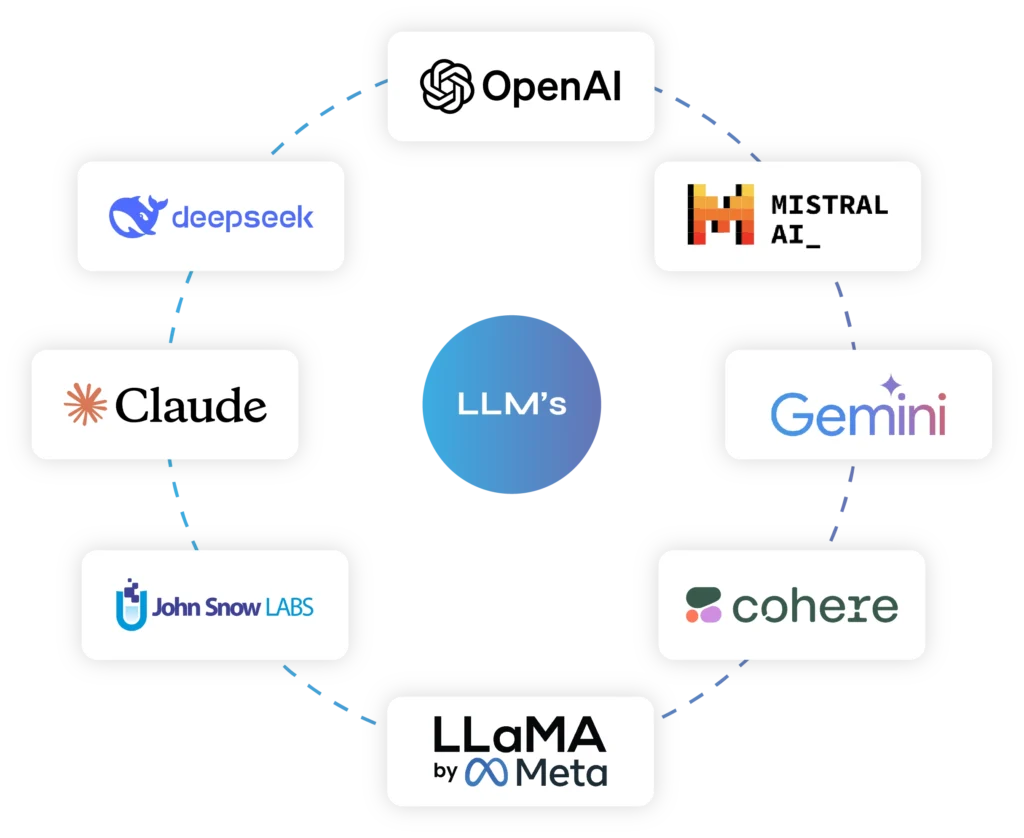
LLM nodes
Create and execute prompt-driven workflows with integrated language models
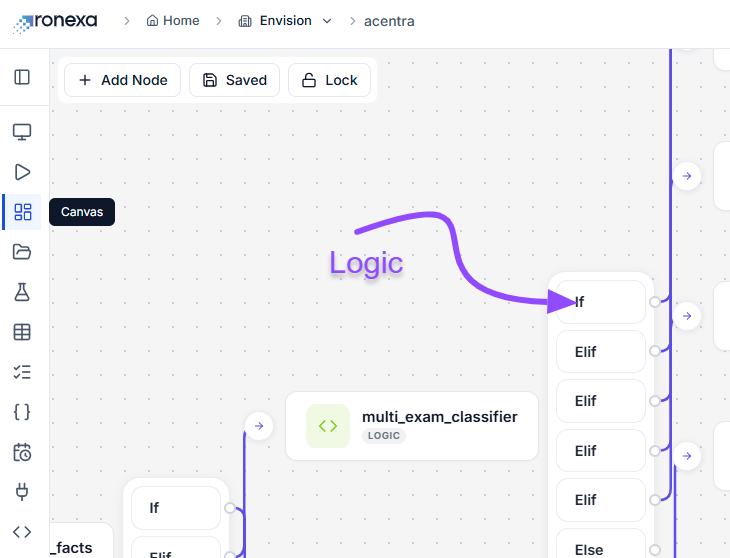
Logic Nodes & Code Execution Nodes
Implement conditional flows using if / elif / else branching
Run custom scripts for advanced processing in the system
Input & Output Nodes
Manage data ingestion and display results within the system
1
Build Once. Work Across Every Model.
2
Access Leading Ai Models Through One Interface
3
Secure, Scalable, Multi-Tenant By Design
4
Faster Responses, Better User Experiences
5
Track Everything. Control Costs. Scale Confidently
6
Automatically Use The Best Model For The Job
How The Workflow Builder Works
Workflows are built by combining inputs, agents, and decision logic into a structured sequence. Each step is defined, connected to the right systems, & configured to execute reliably from start to finish.
STEP 1
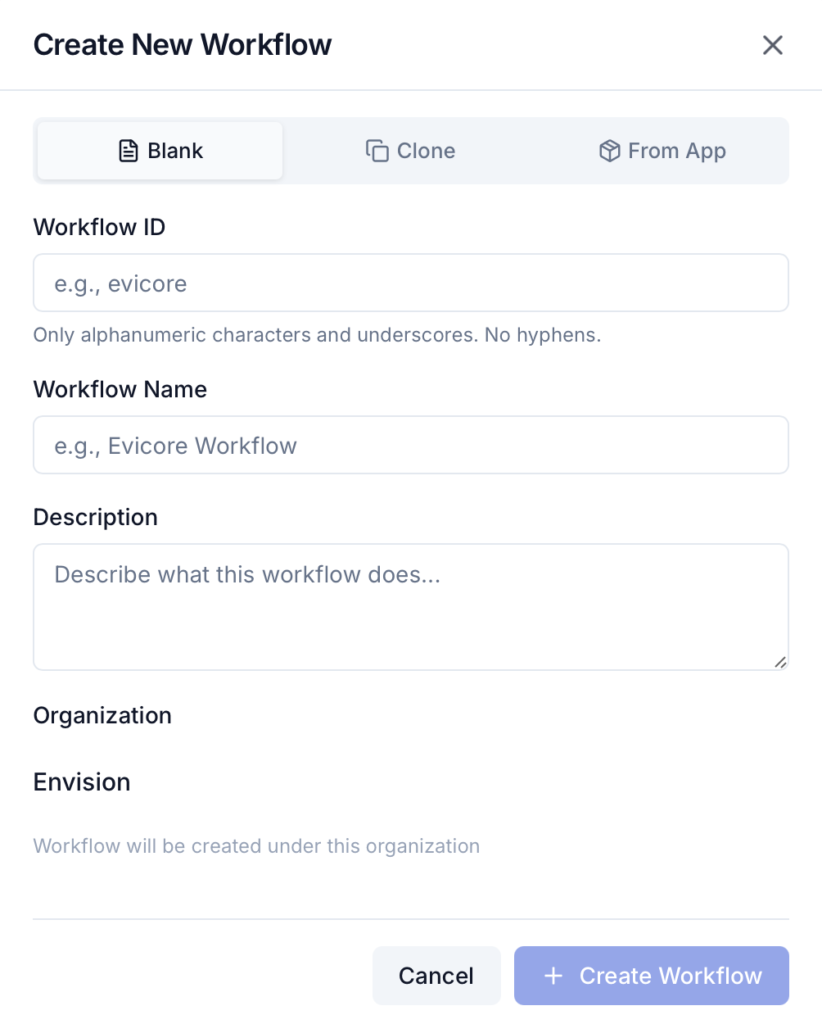
Create Your Workflow
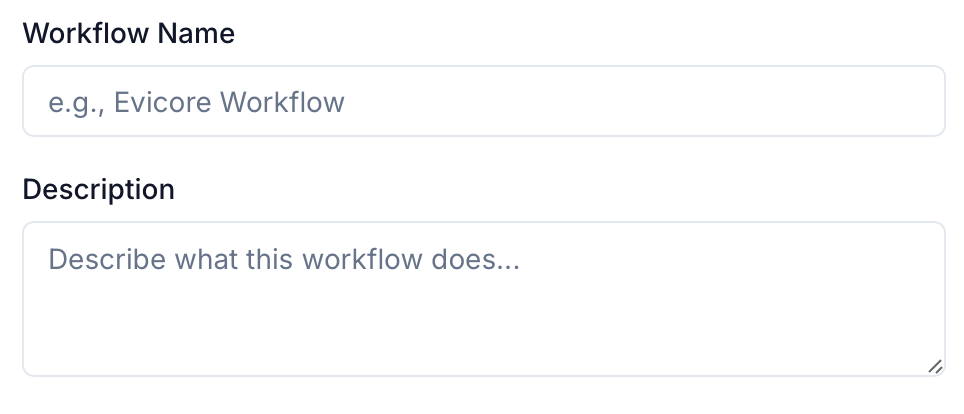
Provide a unique ID, a name, & a short description to define its purpose.
STEP 2
Access Your Workflow
Workflows are instantly available in your workspace ready for building.
STEP 3
Build on the Canvas
Start designing your workflow by connecting nodes and defining logic.